Where the cost actually comes from
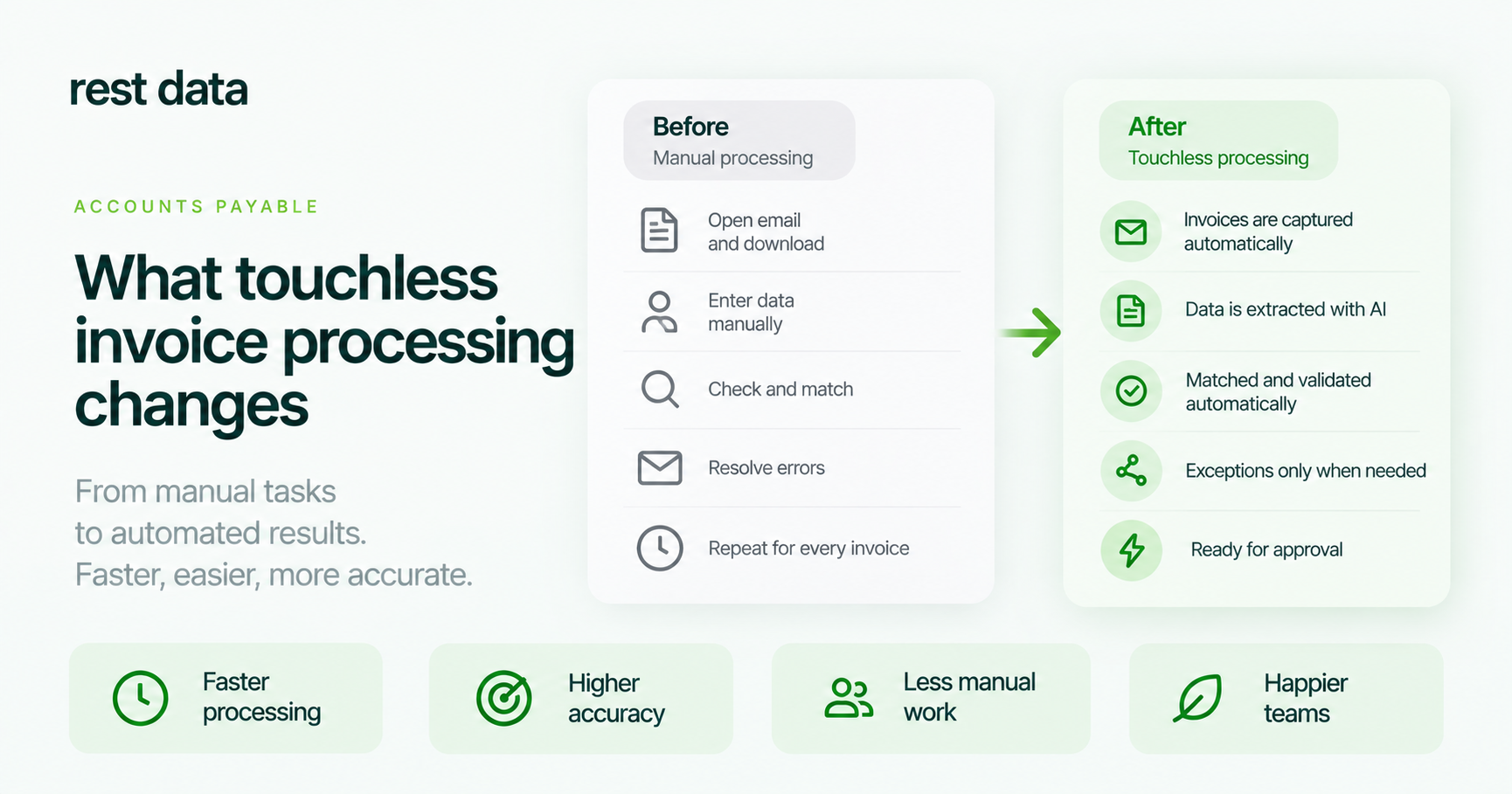
Ask a restaurant manager or a retail back office about the cost of manual invoice processing and they usually think of it in money — a line in a budget somewhere. But the cost is mostly time, spent by someone who could be doing something else: opening a PDF or a photo of a delivery note, retyping line items into the accounting system, matching each product name to the catalog, checking that the totals add up, and fixing whatever doesn't match on the first try.
That time doesn't show up as a single number on any report. It shows up as a person at a desk at the end of a shift, going through a stack of paper invoices one at a time. Multiply that by the number of deliveries a restaurant or a retail chain receives per week, and the invoice processing cost per invoice starts to look less like a rounding error and more like a recurring drain.
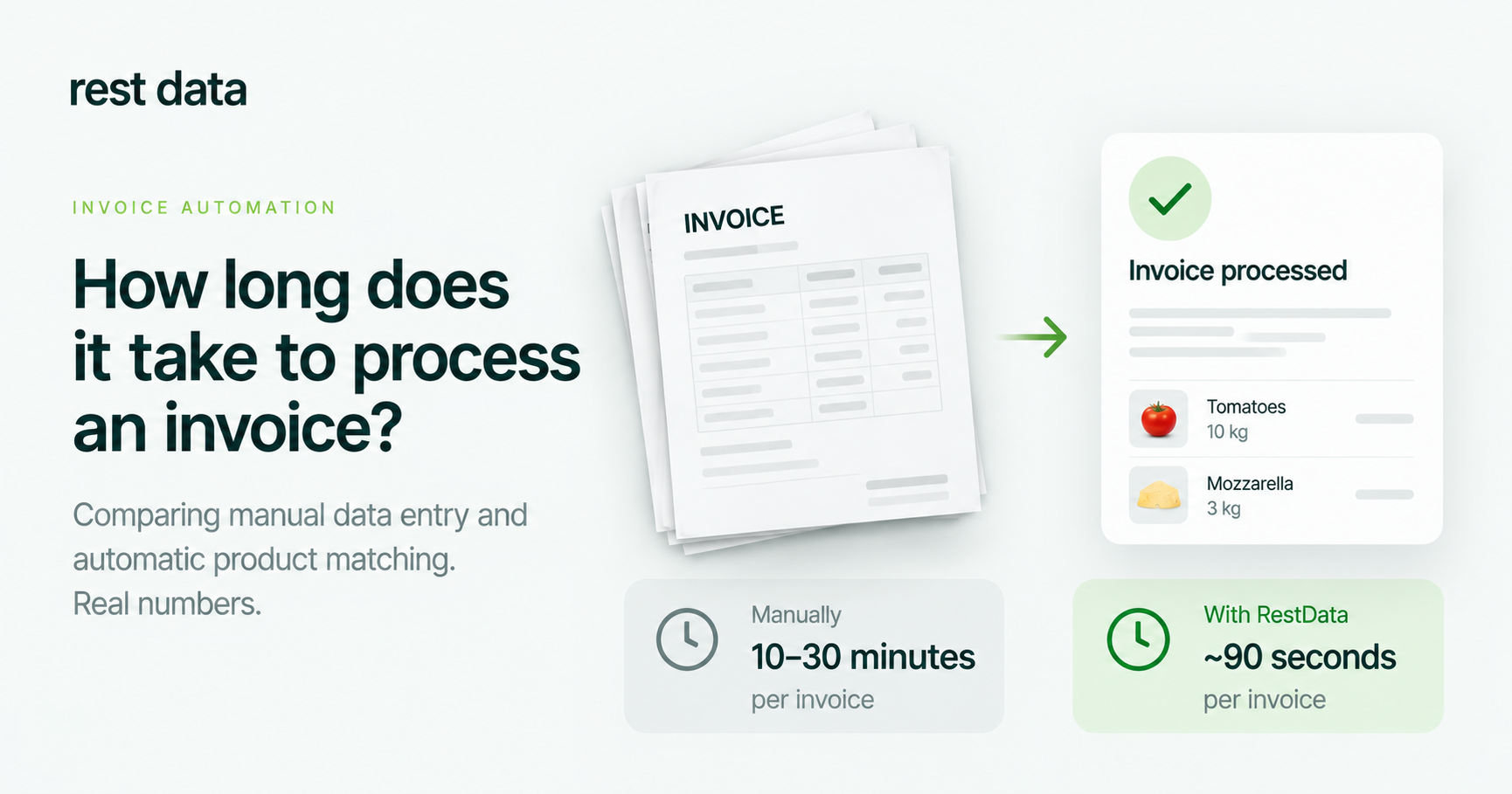
How long does it take to process an invoice by hand
There's no single official figure for this, because it depends on the invoice — how many line items, how legible the scan is, how familiar the products are. But the steps are the same everywhere: open the document, read each line, find or create the matching catalog item, enter quantities and prices, check the total, submit.
Each of those steps is manual, and each is a place where a typo or a missed line creates a mismatch that has to be found and corrected later — often not by the person who made the mistake, but by whoever notices the discrepancy in the accounting system days afterward.
What touchless invoice processing changes
RestData handles the same steps, but without retyping. You upload the document — a PDF, a photo or a scan from a phone, in PNG, JPG or HEIC, and you can upload several files at once. The service reads the lines, calculates the totals, and matches each product to your catalog. The next time the same product appears, it's found automatically, without you pointing at it again. The finished document is then sent to your accounting system.
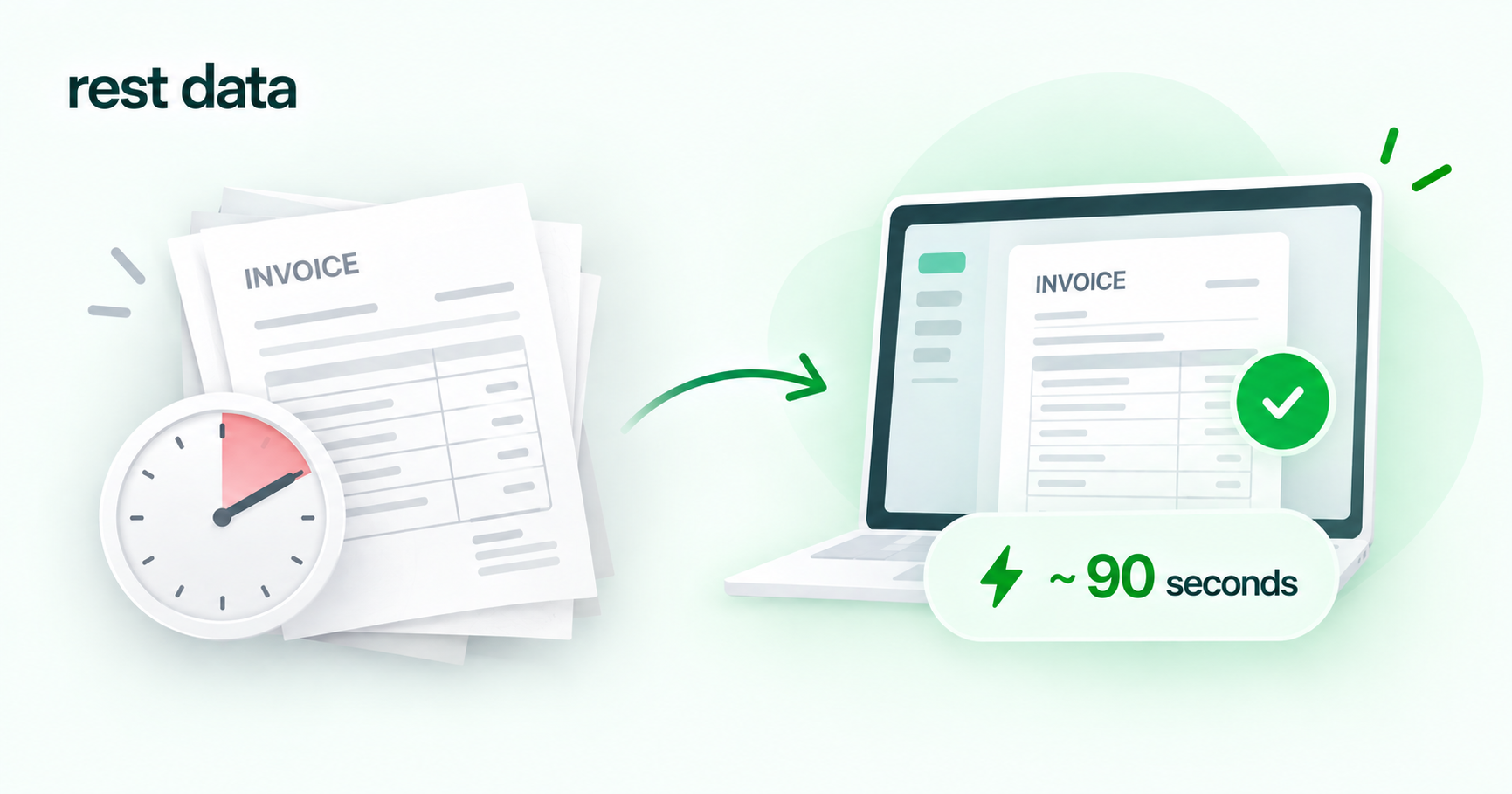
Processing one invoice this way takes about ~90 seconds. That figure doesn't include everything a fully manual process involves — it's the recognition-and-match step, which is the part that used to take the longest.
What to check before you commit to any invoice process Does the system you're using today actually connect to your accounting system, or does someone still retype the result into it by hand? That second retyping step is often where the real cost hides.
Manual entry vs. document upload, side by side
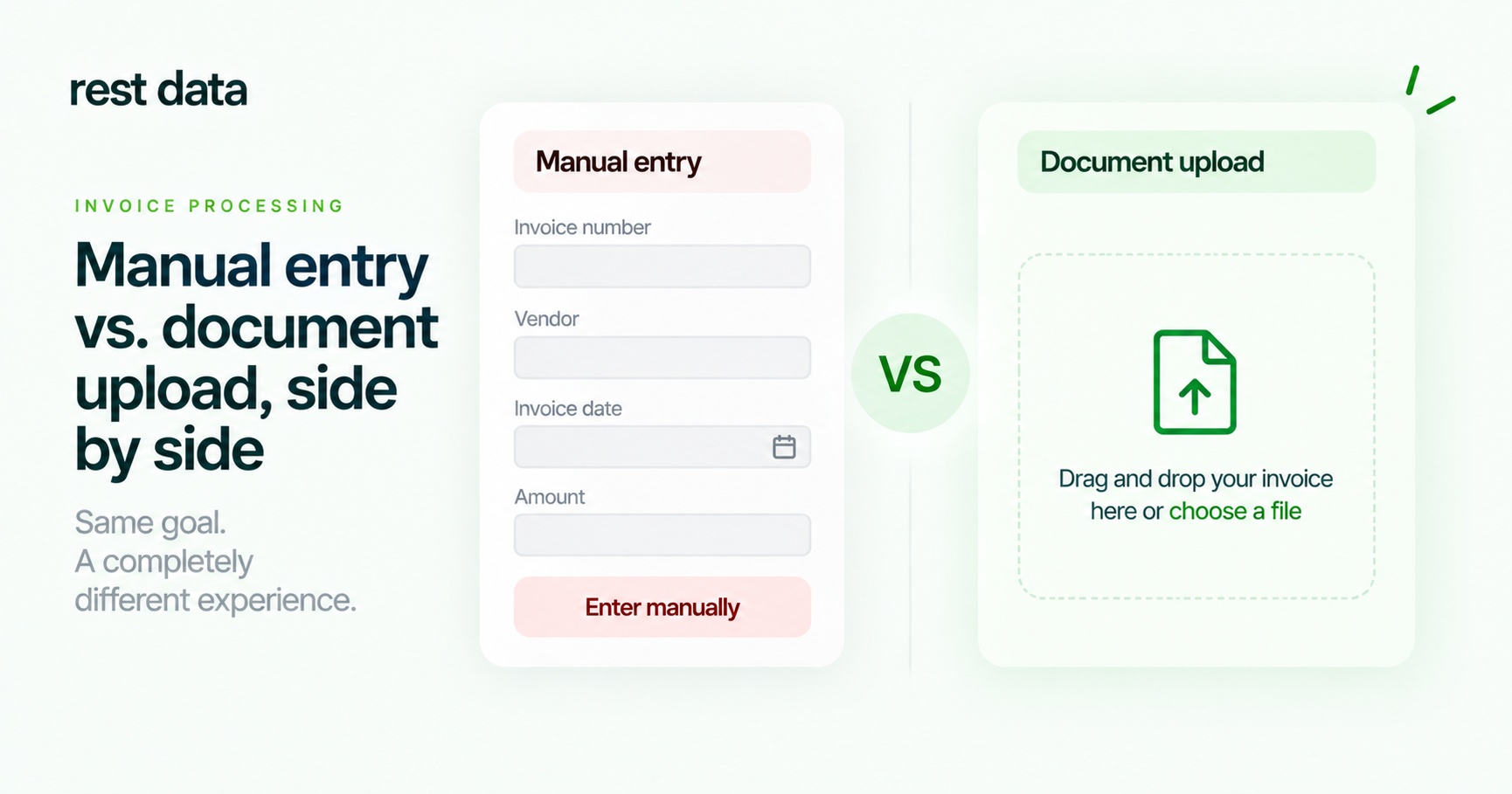
| Manual entry | RestData upload | |
|---|---|---|
| Document types | Usually one format at a time | PDF, photo, scan; PNG, JPG, HEIC; several files at once |
| Product matching | Typed or looked up each time | Matched to catalog automatically; remembered next time |
| Time per invoice | Varies with line count and legibility | ~90 seconds |
| Where the document ends up | Manually entered into accounting system | Exported directly to your accounting system |
What this doesn't replace
RestData recognizes documents and moves them into your accounting system faster — it doesn't do the accounting itself. It doesn't keep your books, calculate taxes, or replace your accounting system, and it doesn't give tax or legal advice. Those decisions still belong to your accountant. What changes is how much of your team's time gets spent retyping invoices before that work can even begin.
Getting started
Setup takes about 5 minutes, and the first 30 invoices are free, so you can see the invoice processing cost per invoice for your own documents before deciding anything. Ready-made integrations exist for Syrve Cloud, iiko Server, METRO, and e-Factura SFS — Moldova's state invoicing system. Integrations with 1С, TrioBar, Micros, r_keeper and UNA are planned but not available yet.
You can see the process in more detail on how it works, check which systems connect out of the box under integrations, and compare plans under pricing.