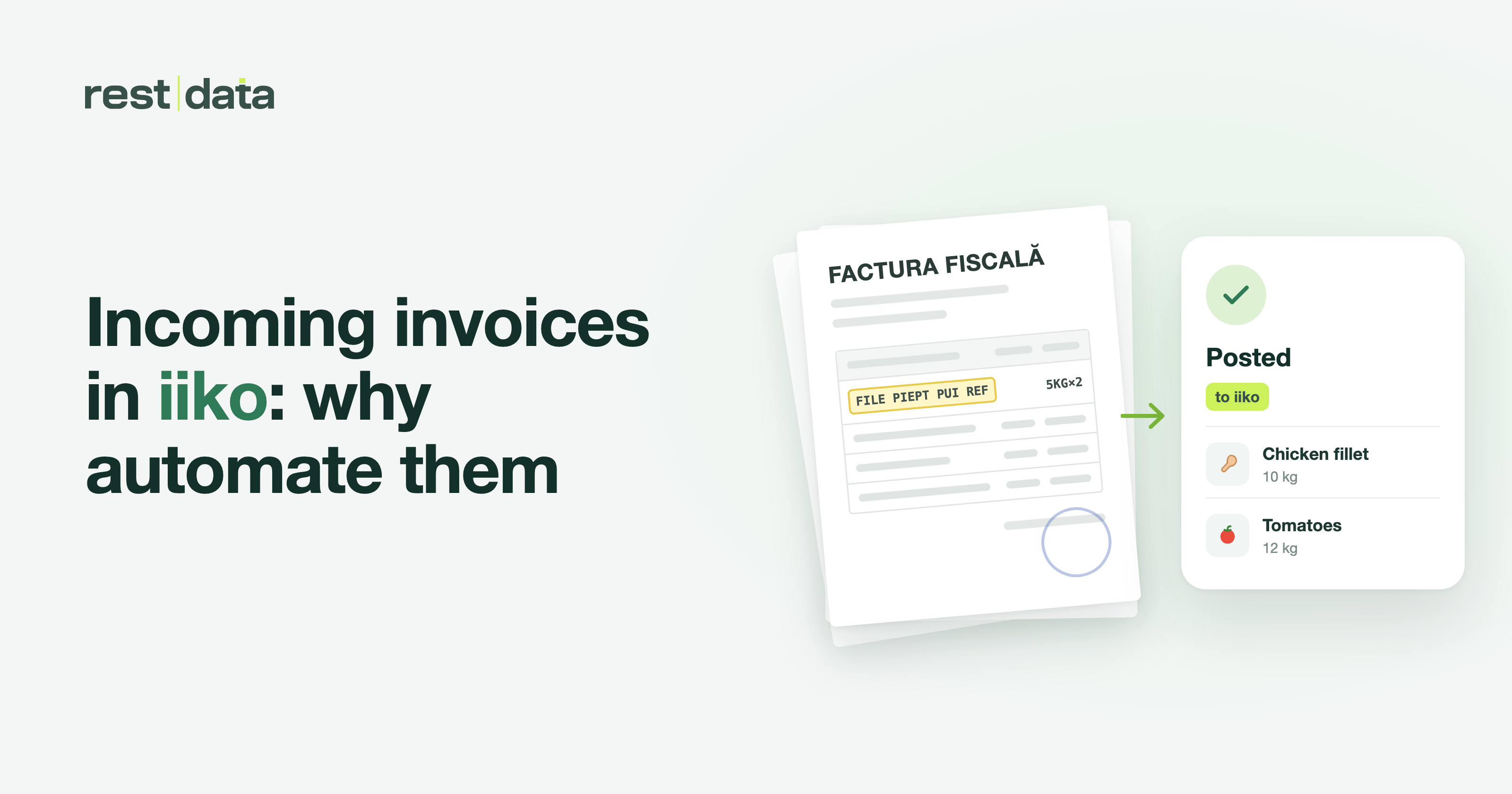
Why Goods Receipt Notes in iiko Become a Bottleneck
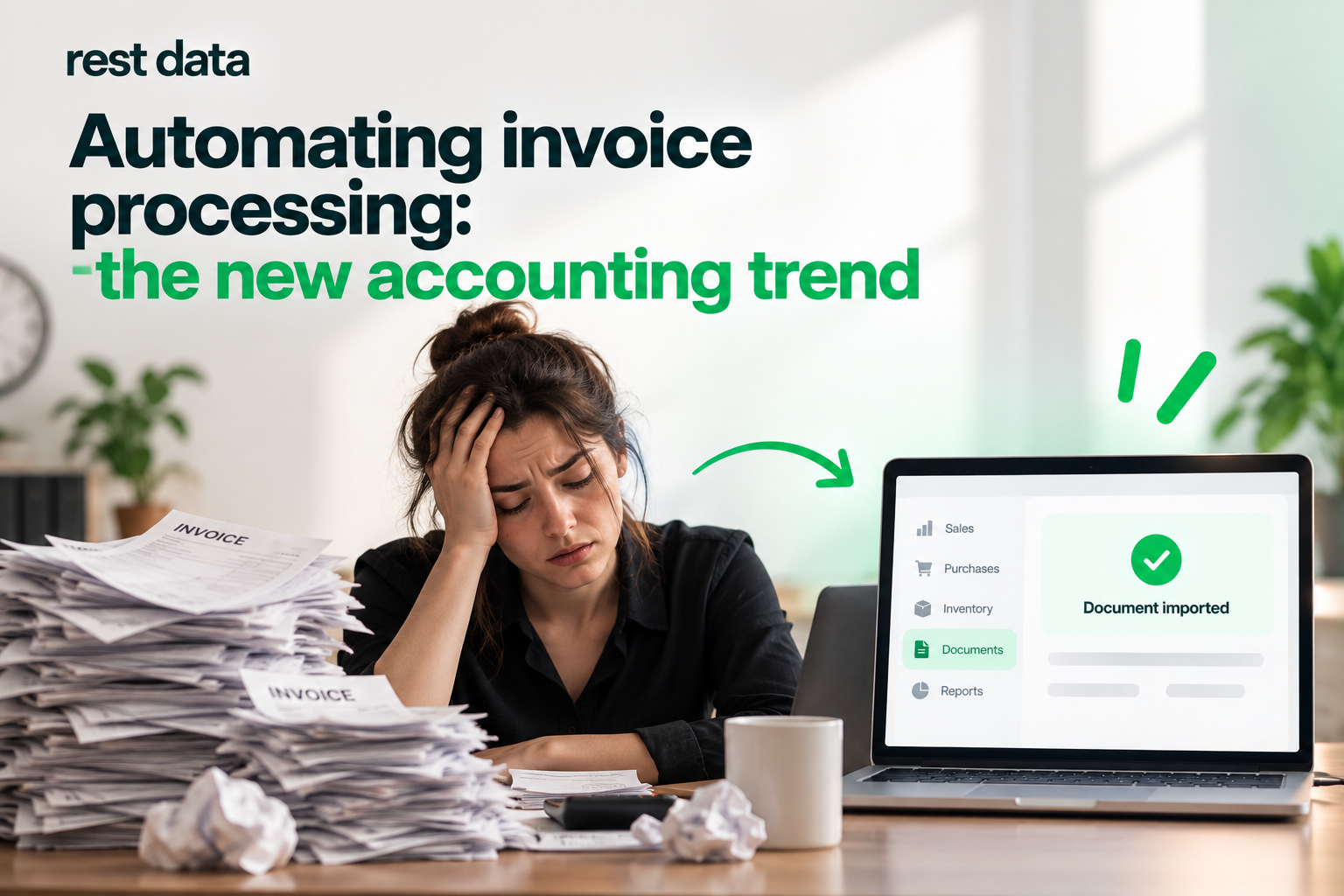
A goods receipt note in iiko is the point where a supplier's paper document must be converted into a digital warehouse record. In practice, this is one of the most routine processes in a restaurant: every delivery comes with an invoice, every invoice requires manually entering line items, checking totals, and matching products to inventory records. The more suppliers and items there are, the more time is spent copying numbers from one system to another instead of working on food or guest service.
This is where the conversation about iiko automation begins — not as an abstract improvement, but as a concrete way to take one repetitive task off a person's hands.
How to Upload an Invoice to iiko Using Recognition
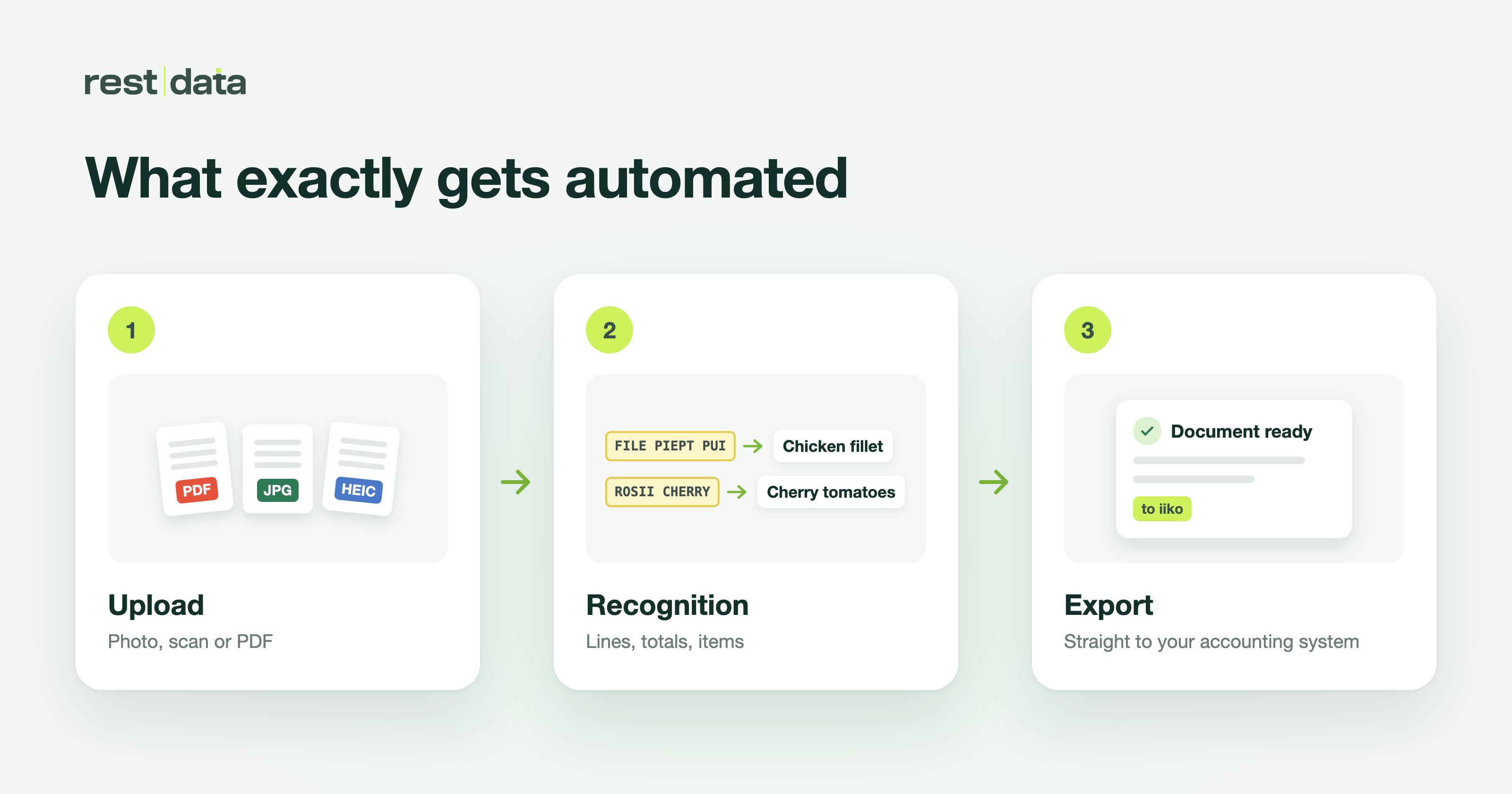
RestData does not replace iiko or manage accounting instead of it. The product has a narrower purpose — to take a photo, scan, or PDF of an invoice and turn it into a ready-to-use record in the accounting system. The question of "how to upload an invoice to iiko" is answered in three steps:
- Document upload — PDF, photo, or scan from a phone; PNG, JPG, and HEIC are supported, and multiple files can be uploaded at once.
- Recognition and matching — line items are extracted, totals are calculated, and products are matched to the catalog. The next time, the product is identified automatically.
- Export — the completed document is sent to the accounting system.
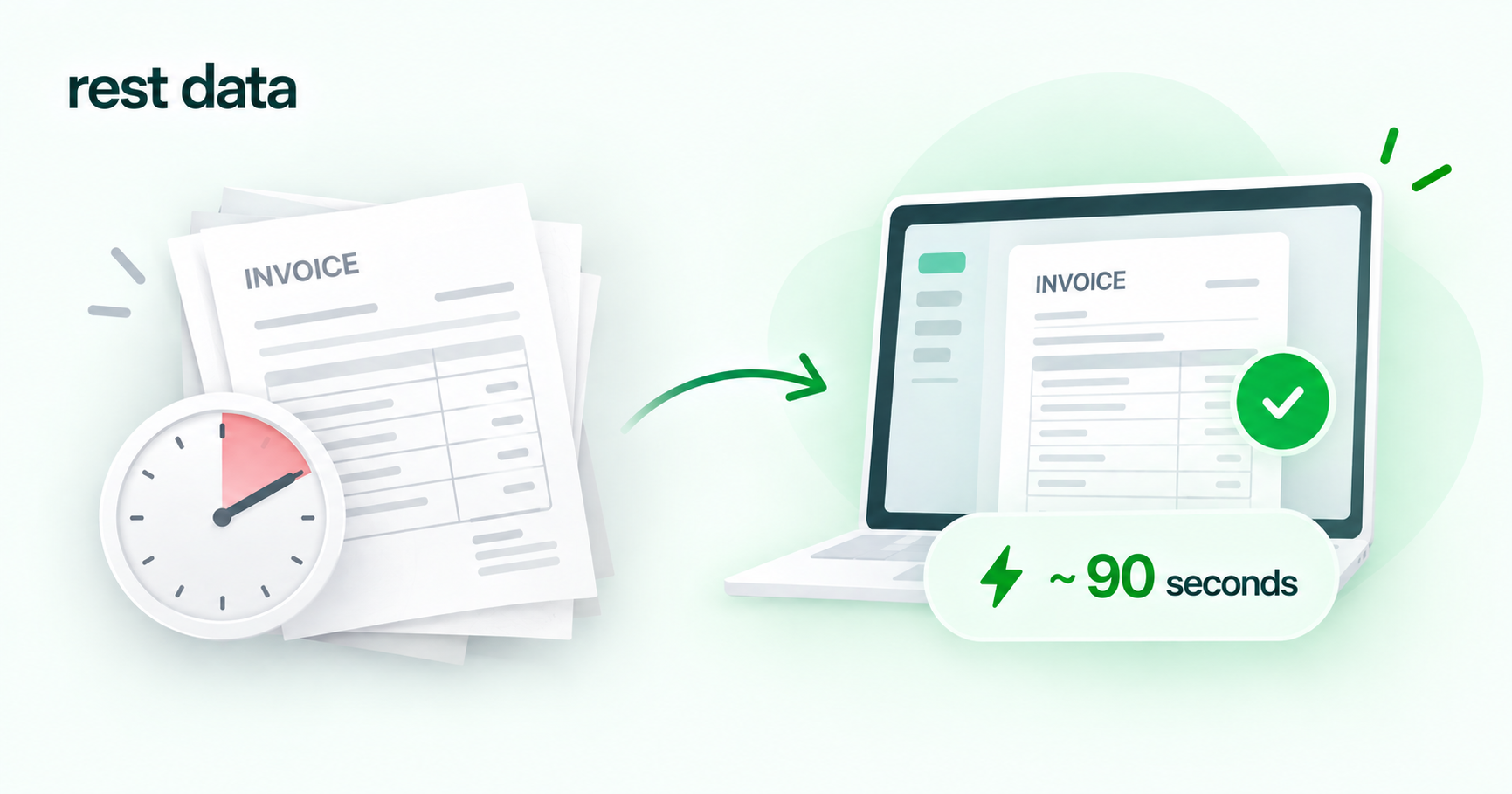
Processing a single invoice takes approximately 90 seconds. For a restaurant receiving deliveries every day, this translates into significant time savings over the course of a month — without changing the accounting system itself or requiring additional staff training on a new interface. Invoice recognition for iiko is designed so that, once a product has been matched for the first time, there is no need to search for it manually in the catalog again.
Scan Factura: From Scan to Accounting System
Another use case often searched for alongside iiko goods receipt notes is scanning a factura into an accounting system: when a document arrives in paper form, it must be scanned or photographed before it can be entered into the system. RestData is designed for exactly this scenario: regardless of how straight the photo is or the angle at which the scan was taken, the document is recognized, line items are extracted, and products are matched to the catalog.
For the Moldovan market, this is particularly relevant when working with e-Factura SFS — the government electronic invoicing system. The integrations currently available are Syrve Cloud, iiko Server, METRO, and e-Factura SFS. Integrations with 1C, TrioBar, Micros, r_keeper, and UNA have been announced but are not yet ready — if any of these is critical to your workflow, it is worth checking the expected availability date directly with the team.
Manual Entry vs. Automatic Matching
The difference between manual invoice entry and automated processing is not apparent in individual details, but in the cumulative effect of repetitive operations over a month:
| Feature | Manual Entry | With RestData |
|---|---|---|
| Time per invoice | Depends on the number of line items, usually several minutes | ~90 seconds |
| Product matching in the catalog | Manually with every delivery | Once, then identified automatically |
| Document source | Only what can be entered manually | Photo, scan, PDF, multiple files at once |
| Where the result goes | Entered into the accounting system by an operator | Exported directly to the accounting system |
The table does not suggest that manual entry is inherently bad — it shows exactly where repetitive tasks accumulate and consume time, and why automating this specific point in the process delivers a measurable impact.
What to Check Before Getting Started Which accounting system does your restaurant chain use — and is it on the list of integrations currently available, rather than the list of planned integrations?
How to Get Started
Setup takes about 5 minutes, and 30 free invoices are available at the start — enough to run through the entire process using real documents and see how recognition and matching work with your specific catalog. You can learn more about how the process works in the How It Works section, find the list of available integrations in the Integrations section, and review the terms of service on the Terms of Use page.
RestData does not handle bookkeeping, calculate taxes, or replace your accounting system — the product solves one specific task: turning an invoice photograph into a ready-to-use record in iiko or another connected system within a predictable amount of time.\