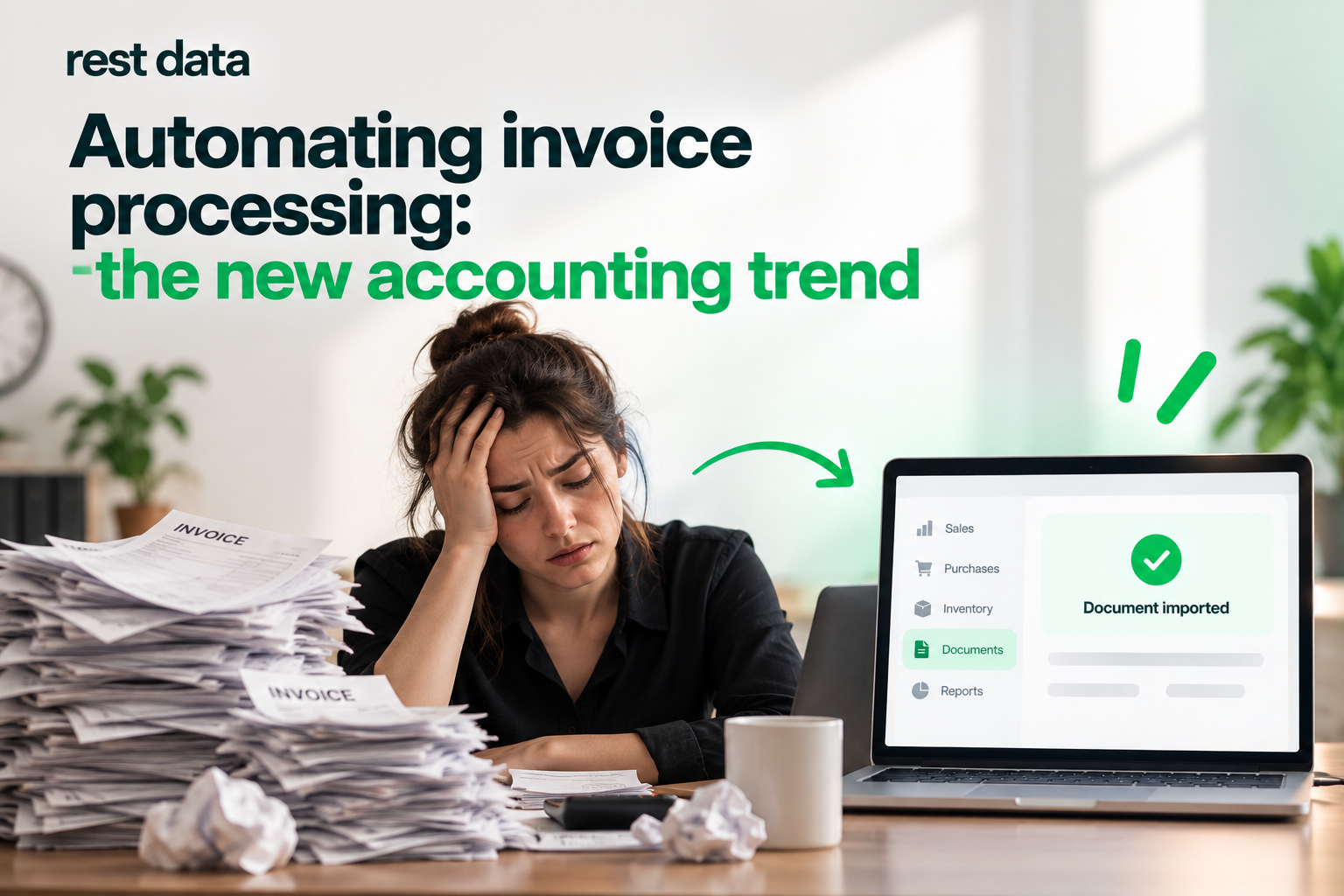
Why invoice automation is becoming the default in accounting
Accounting teams in restaurants and retail are quietly changing how invoices move from a supplier's hand to the books. The paper stack on the accountant's desk, the manual retyping of line items, the end-of-month scramble to match documents against the catalog — this workflow is being replaced, invoice by invoice, with automation. This is not a forecast about some distant future; it is already how a growing share of businesses process their daily paperwork.
Understanding invoice automation benefits starts with looking at what actually eats time in a finance department: not the accounting itself, but the repetitive transcription that happens before the accounting can even begin.
What changes when invoices stop being retyped
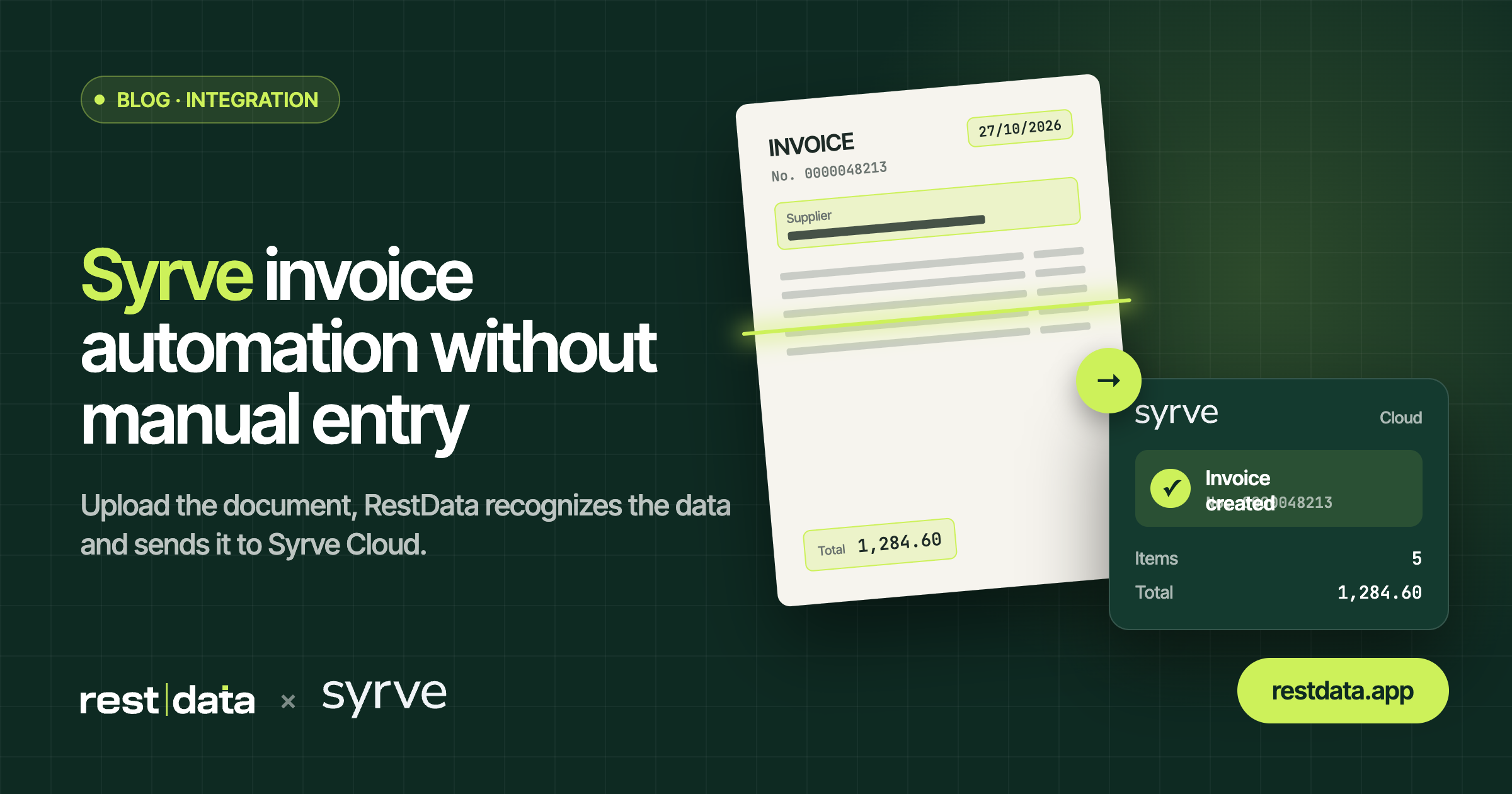
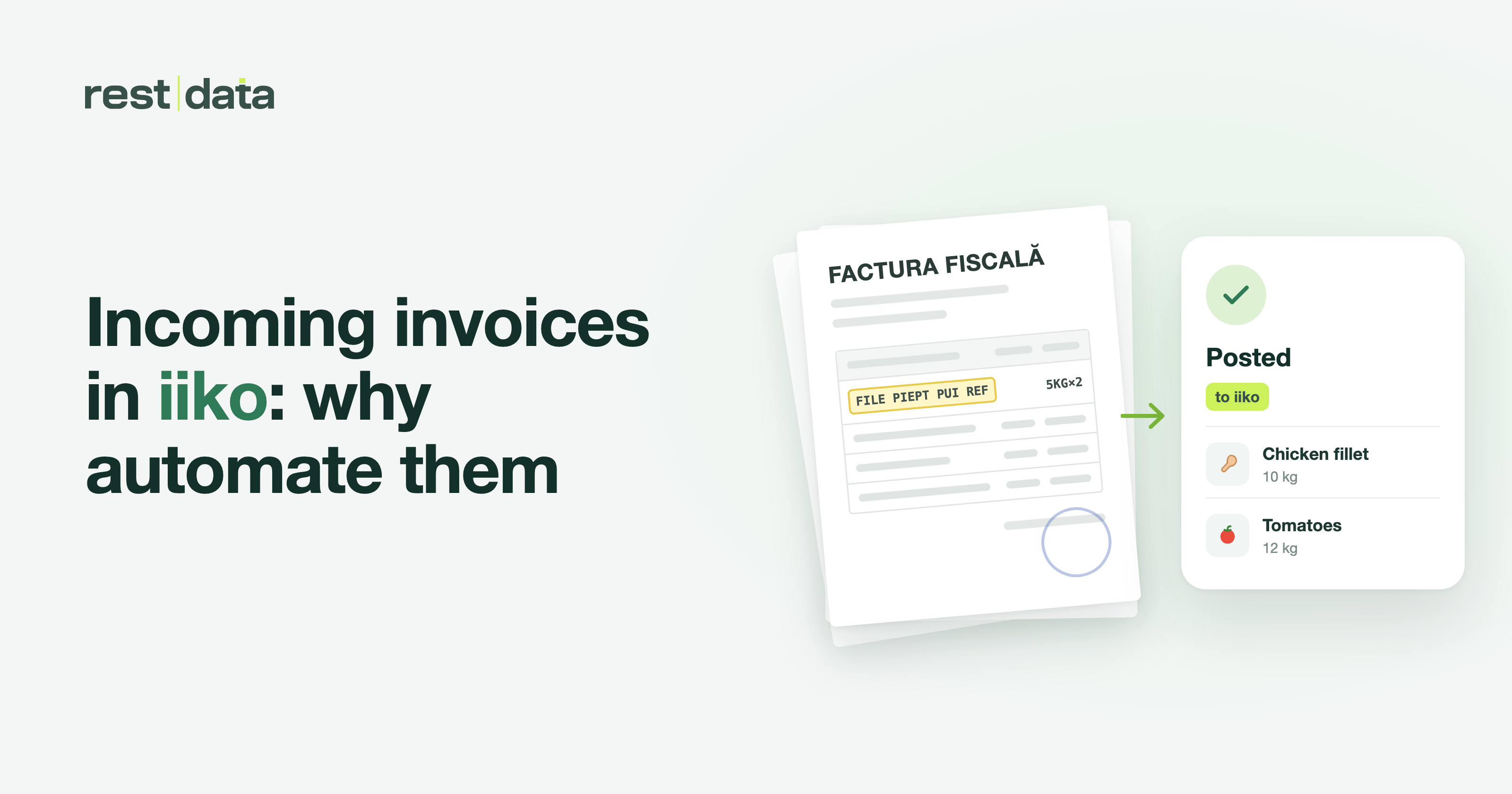
The trend is simple to describe: instead of a person opening a PDF or photographing a paper invoice and typing every row into the accounting system, a service reads the document, matches the products to the catalog, and sends the finished document straight into the system already in use.
That's the whole idea behind invoice processing automation — not replacing the accounting system, but removing the manual step that stands between a document and the books. RestData works exactly this way:
- Upload — a PDF, a phone photo, or a scan; PNG, JPG, HEIC; several files at once.
- Recognition and matching — line items are extracted, totals are calculated, and products are matched to the catalog. Next time, the same product is found automatically.
- Export — the finished document goes into the accounting system.
The whole cycle for one invoice takes about ~90 seconds. Setup, from first login to first processed invoice, takes about 5 minutes. Neither number replaces the accountant's judgment — they simply describe how much manual retyping disappears from the process.
What automation does not do
This is worth stating plainly, because the trend is often oversold. Invoice automation does not keep your books, does not calculate your taxes, does not replace your accounting system, and does not give legal or tax advice. What it does is take the document you already have and turn it into a structured record inside the system you already use — Syrve Cloud, iiko Server, METRO, or e-Factura SFS, the government system in Moldova, are the integrations available today. Support for 1С, TrioBar, Micros, r_keeper, and UNA has been announced but is not available yet, so if one of these is central to your setup, check the current status before planning around it. You can see what's live on the integrations page.
What to ask before you rely on any integration Is the system you use listed as available today, or is it on the "coming soon" list?
Manual entry vs. automated processing
| Manual entry | Automated processing (RestData) | |
|---|---|---|
| Time per invoice | Several minutes of retyping | ~90 seconds |
| Product matching | Re-typed or re-selected each time | Learned — found automatically next time |
| Input formats | Usually one format at a time | PDF, photo, scan, PNG, JPG, HEIC, several files at once |
| Destination | Manual re-entry into accounting system | Direct export to the connected system |
| Setup effort | None, but ongoing manual cost | About 5 minutes once |
Where business invoice software fits into the picture
None of this replaces an accountant's role — it changes what that role spends time on. A piece of business invoice software that reads and routes documents is not a bookkeeping tool; it's a step before bookkeeping. The accounting system still holds the ledger, still runs the reports, still is where tax positions get decided. Automation just means the numbers get there without someone typing them twice.
This distinction matters when evaluating invoice price and where the value actually comes from. The relevant comparison isn't "software cost vs. no software" — it's the hours spent on manual entry against the minutes spent reviewing an already-matched document. Because pricing details are tied to a plan that's updated over time, the concrete numbers live on the pricing page rather than in a general discussion like this one — look there for what applies to your plan.
Getting started without much friction
New accounts start with 30 free invoices, which is usually enough to see the recognition and matching in action before deciding whether it fits your workflow. If something in a document doesn't process the way you expect — a line item goes unmatched, a total looks off — that's flagged for review rather than pushed through silently; the export only happens once the document is ready. For a walk-through of the steps and what happens at each one, the how it works page covers the process in more detail, and general questions about setup and formats are answered on the FAQ.
The broader trend in accounting isn't about replacing accountants or accounting systems — it's about removing the retyping between a document arriving and a document being recorded. That's a narrow, specific change, and it's the one actually happening right now.