Why e-Factura and VAT Deduction Matter
For companies in Moldova, e-Factura SFS is the government system through which invoices and delivery notes are processed. The question of “e-Factura și deducerea TVA” comes up for every accountant and procurement specialist: can VAT be deducted if a document submitted through the system contains errors in item descriptions, amounts, or product catalogue mapping?
It is important to clearly separate responsibilities from the start. RestData does not handle accounting, calculate taxes, or provide legal or tax advice. Questions about VAT deduction eligibility and its correct application should be addressed to your accountant or directly to the government e-Factura SFS system.
This distinction is important: RestData solves a different, but related, problem — ensuring that the document submitted to e-Factura is entered into your accounting system without manual errors at the outset.
Where Do Discrepancies Usually Occur?
The basis for accurate VAT deduction is consistency between the data on the invoice and the information recorded in the accounting system. Discrepancies usually do not arise within e-Factura itself, but during the transfer of a paper or scanned document into the accounting system:
- product lines are entered manually and may be missed or duplicated;
- amounts can be recalculated incorrectly during manual entry;
- an item from the invoice may not find a match in the product catalogue and remain “unmatched.”
This is where RestData comes in.
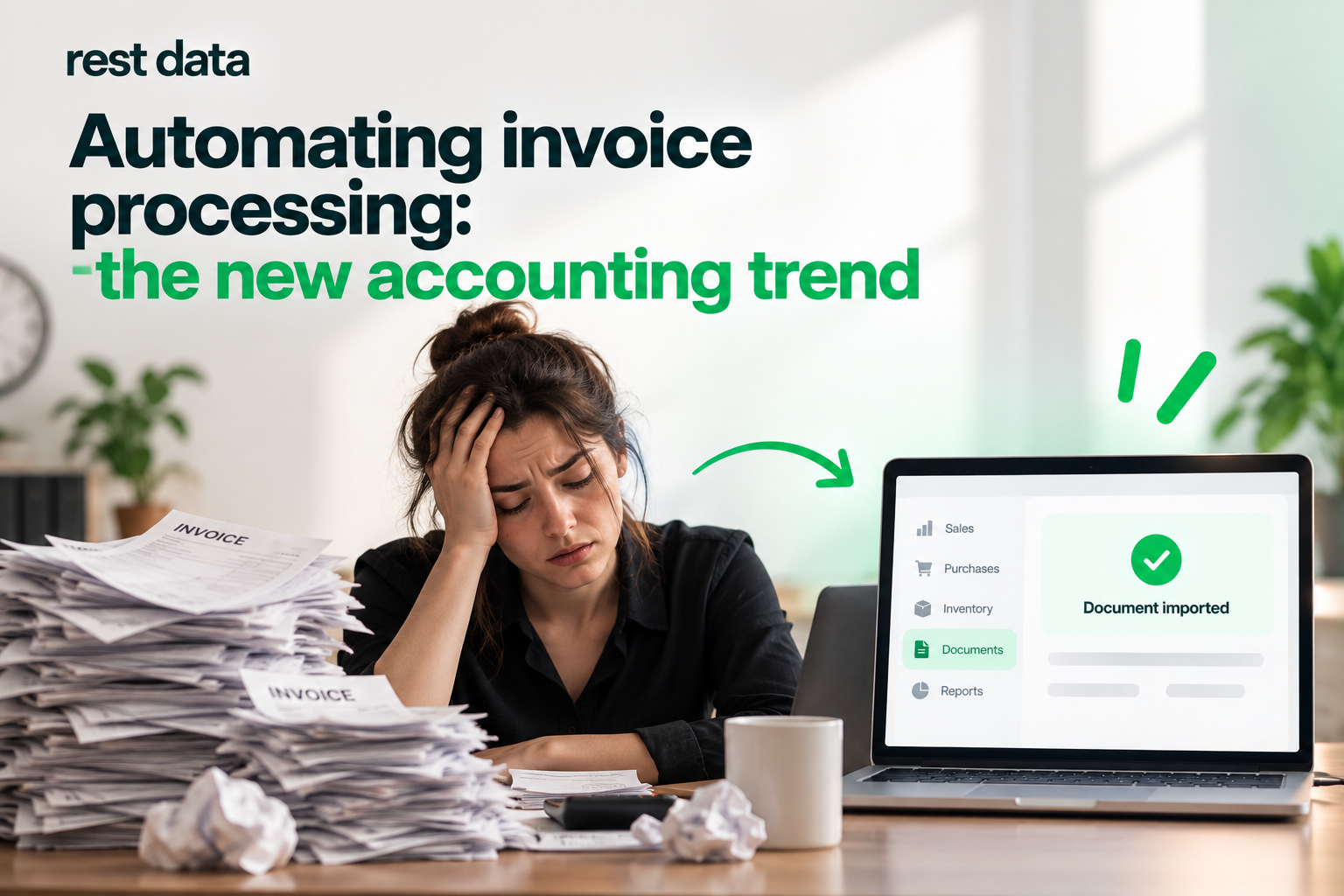
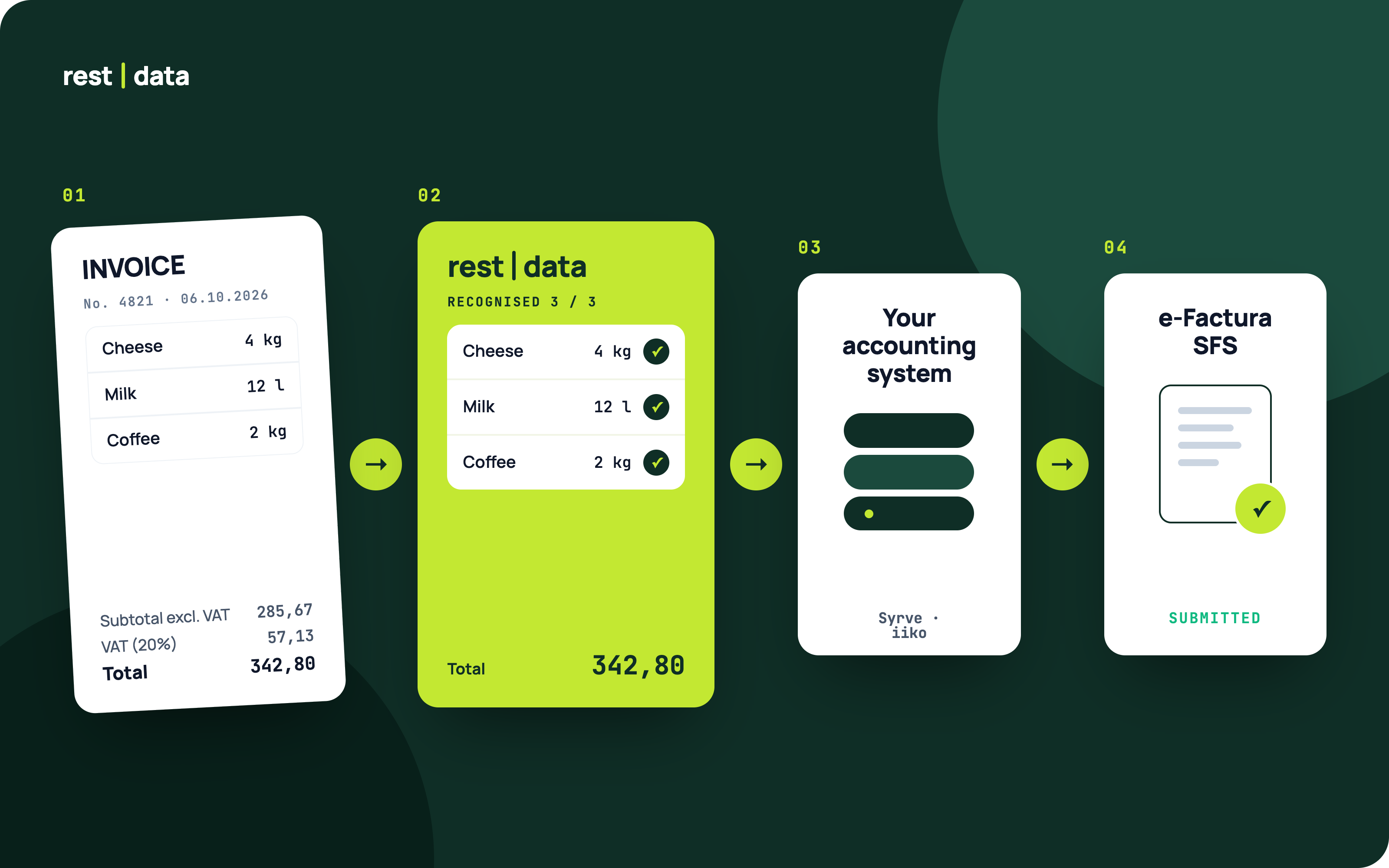
You upload a photo, scan, or PDF of the invoice. The service recognizes the document, matches the products with your accounting system’s catalogue, and exports the completed document back into the same system.
This means the document enters your accounting records in the form it should have before any questions about tax accounting and VAT deduction arise.
What to ask your accountant before calculating a VAT deduction
Do the items and amounts on the invoice imported into the accounting system match what is recorded in e-Factura SFS — and who checks the discrepancy if they do not?
How Document Processing Works
The process consists of three steps. Together, they ensure that your accounting system receives verified data rather than manually entered information.
- Upload the document — PDF, photo, or scan from your phone. Supported formats include PNG, JPG, and HEIC. Multiple files can be uploaded at once.
- Recognition and matching — line items are extracted, totals are calculated, and products are matched to your catalogue. When the same product appears again, it can be identified automatically.
- Export — the completed document is sent to your accounting system.
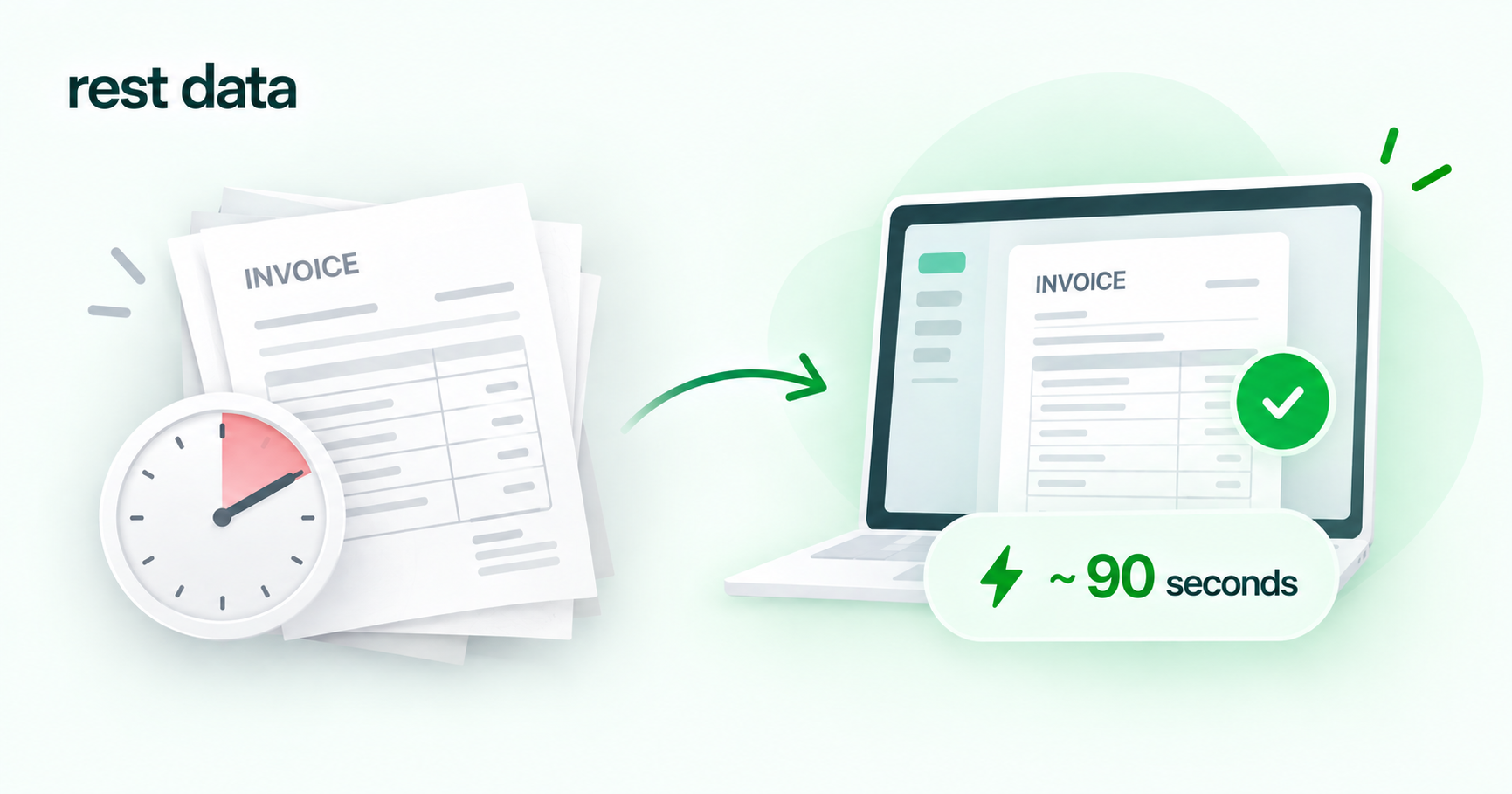
Processing one invoice takes approximately 90 seconds. Learn more about the process in How It Works.
Which Systems Are Already Connected?
RestData currently supports the following integrations:
| System | Status |
|---|---|
| Syrve Cloud | Ready |
| iiko Server | Ready |
| METRO | Ready |
| e-Factura SFS | Ready |
| 1C, TrioBar, Micros, r_keeper, UNA | Ready |
See the full list and integration details in Integrations.
What Happens If a Document Cannot Be Recognized or Matched?
If an invoice line cannot be matched to an item in the catalogue or the recognition process encounters an error, the document is not automatically exported as-is. It requires a review before being transferred to the accounting system.
This is a normal part of working with scanned documents and photos, where the quality of the original file may vary. Any decision about how to treat a discrepancy from a tax perspective remains the responsibility of your accountant.
Bottom Line
RestData does not determine whether you are entitled to a VAT deduction and does not replace accounting or tax advice regarding e-Factura and VAT deduction. That remains the responsibility of your accountant and the relevant government system.
What RestData does is close the practical gap before that question arises: it matches products to your catalogue, calculates totals, and exports the document to your accounting system in approximately 90 seconds.
So when it is time to consider VAT deduction, the accounting data is already aligned with the invoice.
Setup takes around 5 minutes, and you can start with 30 free invoices. See the pricing section for details. More common questions are covered in the FAQ.