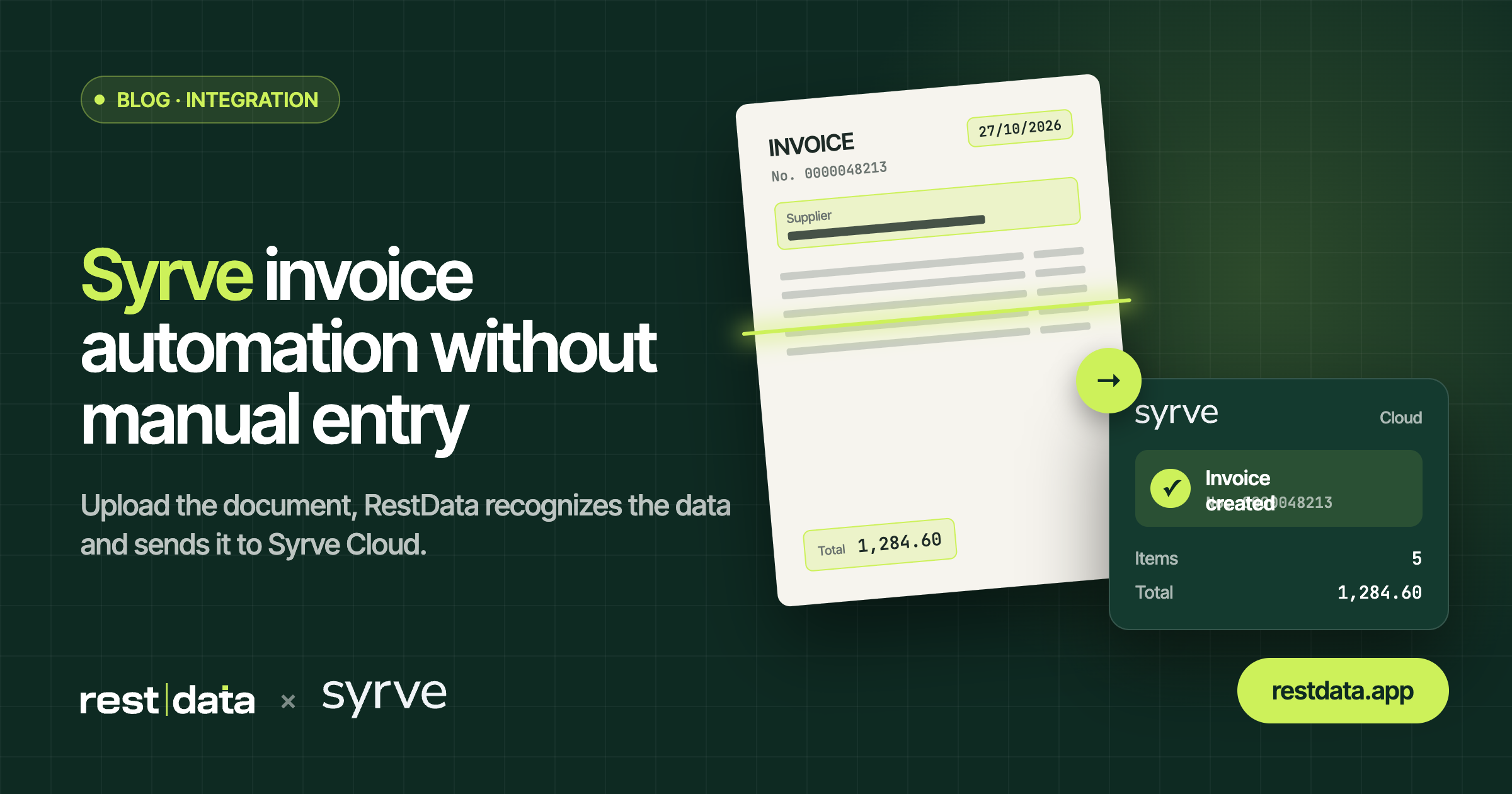
Why the question about syrve invoices comes up
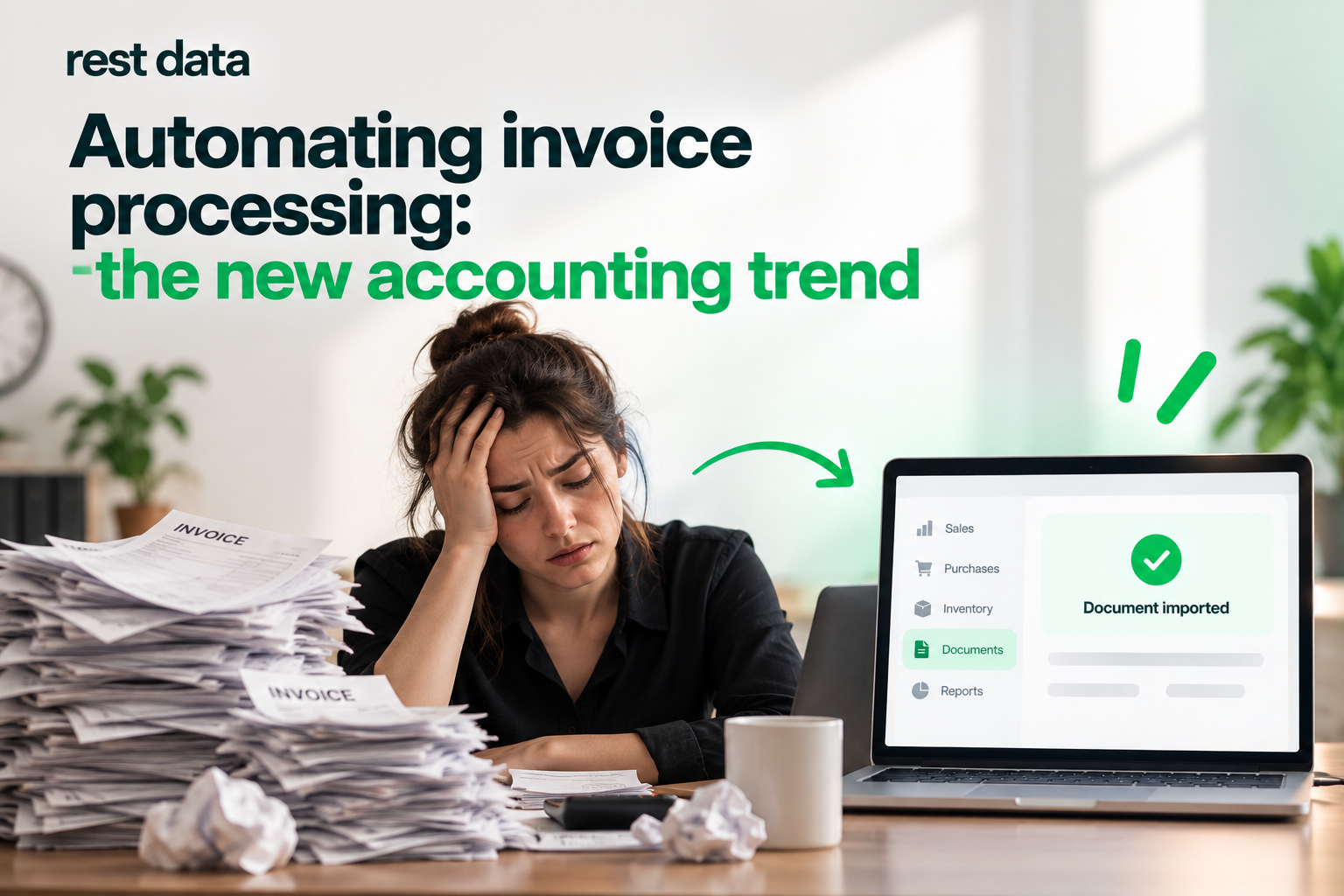
Restaurants working with Syrve Cloud receive invoices from suppliers every day — on paper, in PDF format, or as photos taken with a phone. Manually entering each line into the system takes time and leaves room for typing errors. This is where the search for a syrve restaurant automation solution comes in: something that takes the document and turns it directly into a record in the inventory management system.
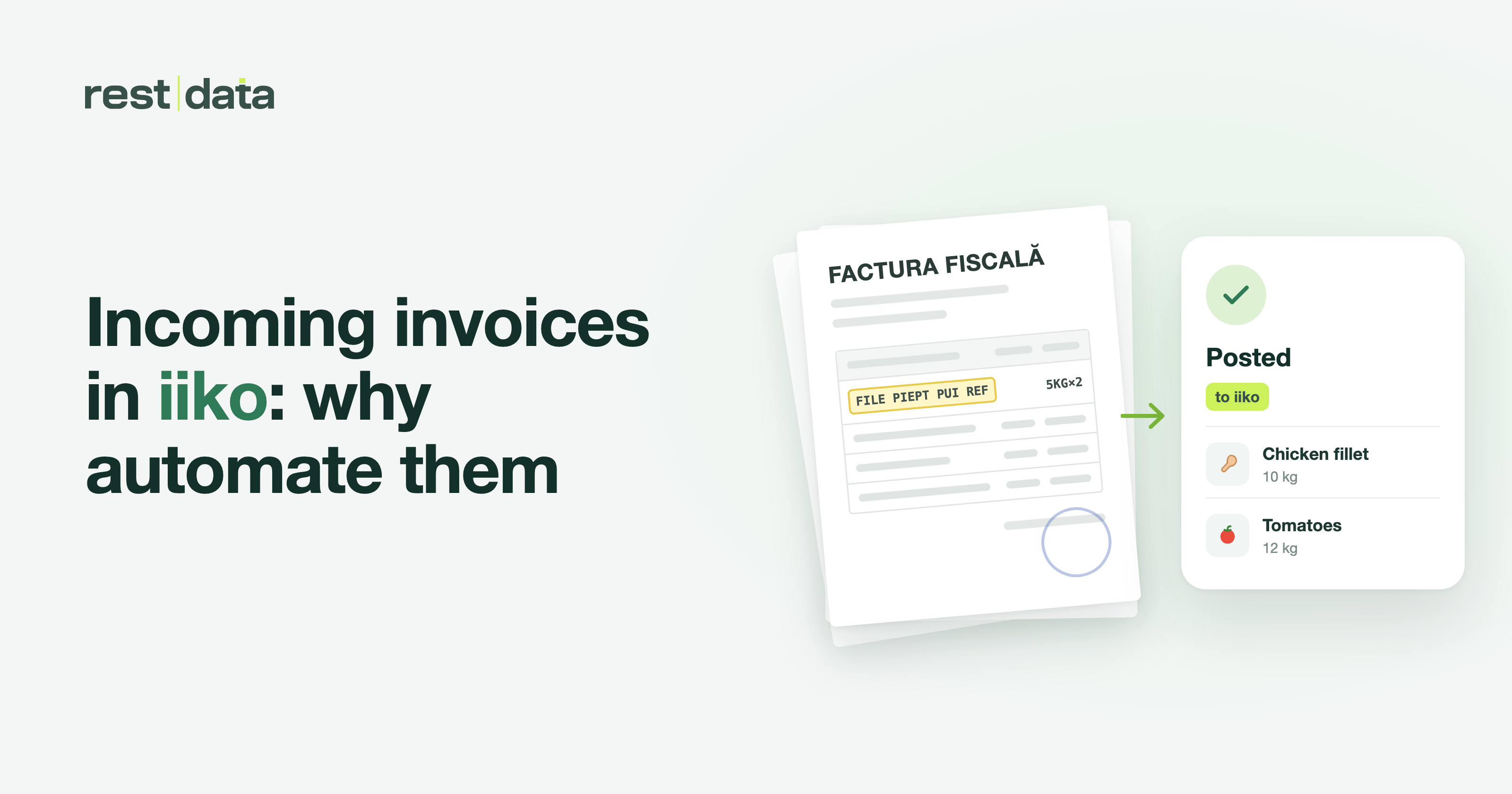
RestData solves exactly this step: upload the document, the service recognizes its contents, matches the products to your catalog, and sends the fully formatted document to Syrve. It is not an accounting module and does not calculate taxes — it simply eliminates the manual step between paper and the system.
How syrve invoice import works step by step
The process has three stages, whether we are talking about an invoice from a local supplier or a goods receipt document for stock received into inventory.
- Document upload — PDF, photograph, or scan made with a phone; supported formats are PNG, JPG, HEIC; you can upload multiple files at once.
- Recognition and catalog matching — line items are extracted, totals are calculated, and products are automatically matched to your catalog. The next time, the same product is identified automatically, without additional intervention.
- Export — the completed document is sent directly to the inventory management system, ready for goods receipt.
The entire sequence — from syrve invoice scanning to automatic Syrve goods receipt — takes around ~90 seconds per invoice. The initial Syrve connection setup takes approximately 5 minutes. Details about the complete workflow can be found at how it works.
Syrve invoice OCR vs manual data entry
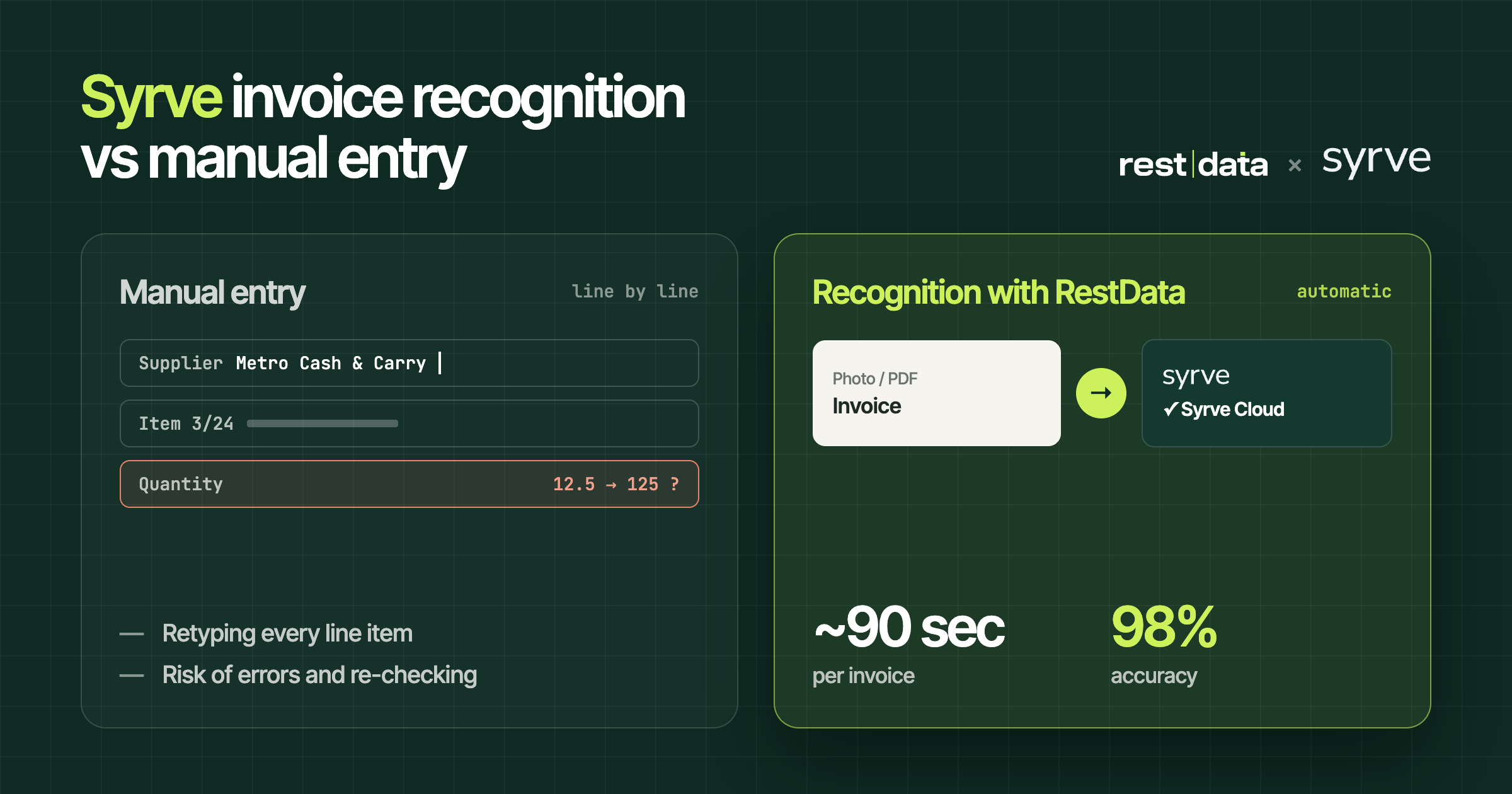
The difference between automatic recognition and manually entering supplier invoices becomes clearest when you compare them side by side.
| Criterion | Manual data entry | Syrve invoices with RestData |
|---|---|---|
| Time per document | Depends on the operator, usually several minutes | ~90 seconds |
| Catalog matching | Manual, every time | Automatic, the product is identified automatically next time |
| Supported sources | Usually a single format | PDF, photo, scan; PNG, JPG, HEIC; multiple files at once |
| Initial setup | Not applicable | ~5 minutes |
| Final destination | Direct entry into the system | Automatic export to Syrve |
The table shows where time is lost in the manual process and where automation makes a difference — in product matching and document submission, not in accounting or tax processing, which RestData does not cover.
Syrve inventory management and goods receipt
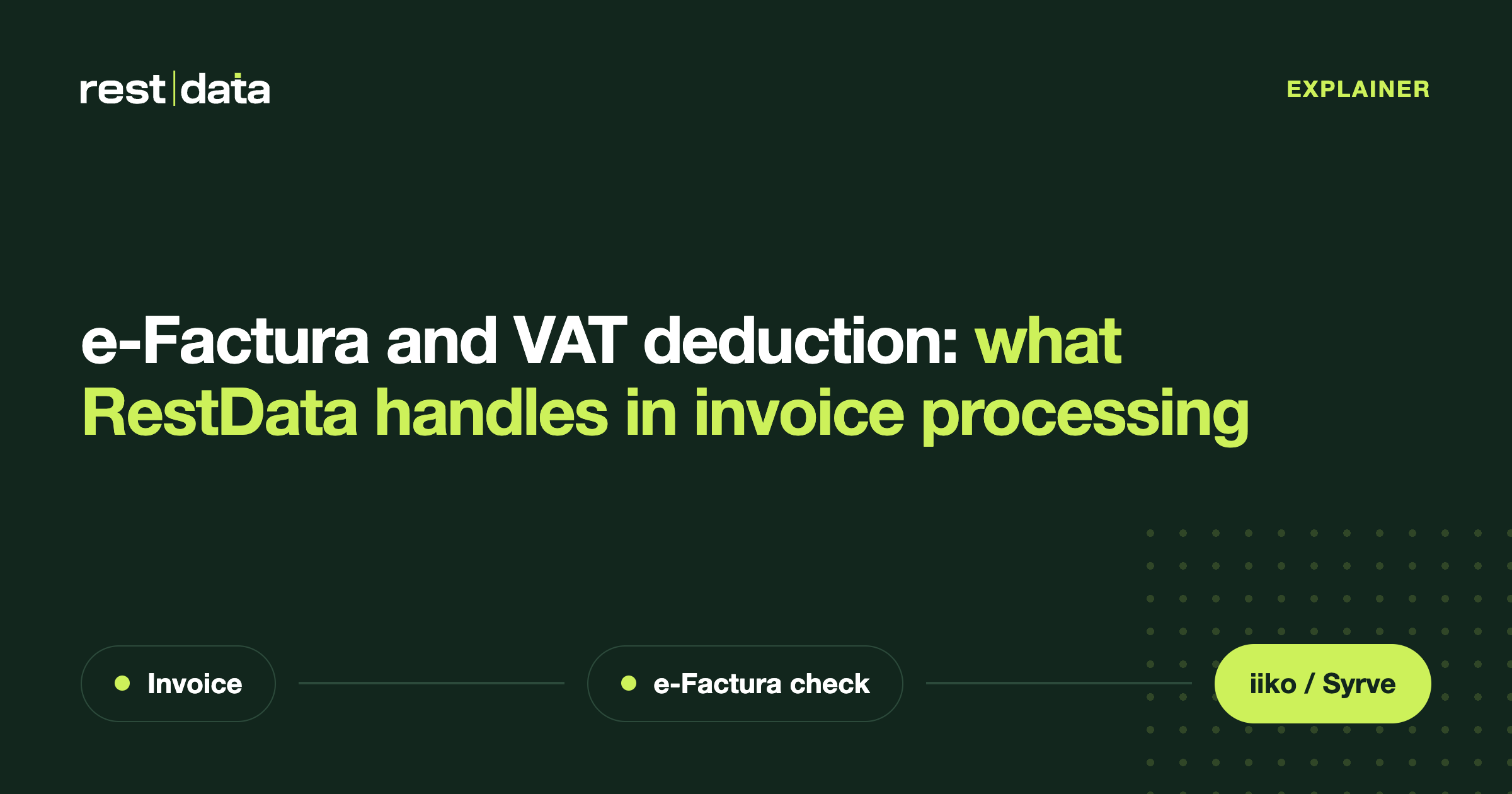
For syrve goods receipt, the workflow remains the same: the invoice or delivery note is sent to RestData, the line items are extracted and matched to the catalog, and the final document updates inventory directly in Syrve Cloud. Quantities and prices do not need to be re-entered — the recognized document retrieves these details from the original.
In addition to Syrve, RestData has ready-to-use integrations with iiko Server, METRO, e-Factura SFS, 1С, and TrioBar. Integrations with Micros, r_keeper, and UNA have been announced but are not yet available — we do not treat them as functional until they actually appear on the list. The complete list is available at integrations.
A question to ask before getting started Does your invoice workflow use a single document format, or do you combine PDFs from some suppliers with photos taken on a phone from others? The answer affects how quickly you will notice the difference after connecting.
How much does Syrve invoice software cost
RestData offers 30 free invoices at the start, enough to test the syrve supplier invoice workflow using real documents, not a demo. After that threshold, the cost depends on the plan you choose — current details are available at pricing, because the price list is updated periodically and any amount mentioned here could already be outdated.
For specific questions about integration, supported formats, or what happens when a document cannot be recognized automatically, the frequently asked questions section covers the most common cases. If a document fails recognition, it does not disappear — it remains available for manual review before export, ensuring that nothing reaches Syrve without being corrected.